Laptop heating problem is one of the most common problems faced by users today. If your laptop becomes hot quickly, makes loud fan noise, or shuts down unexpectedly, overheating could be the reason.
In this guide, we’ll explain the main causes of laptop overheating and the best solutions to fix it, even if you are not a technical expert.
What Is Laptop Heating Problem?
A laptop heating problem occurs when the internal temperature rises beyond safe limits. Normally, laptops get warm during use, but excessive heat can:
- Reduce performance
- Damage internal components
- Shorten battery life
Read More: Windows 11 Slower Than Windows 10? (Comparison)
Modern laptops are designed to control heat, but poor usage habits and hardware issues often cause overheating.
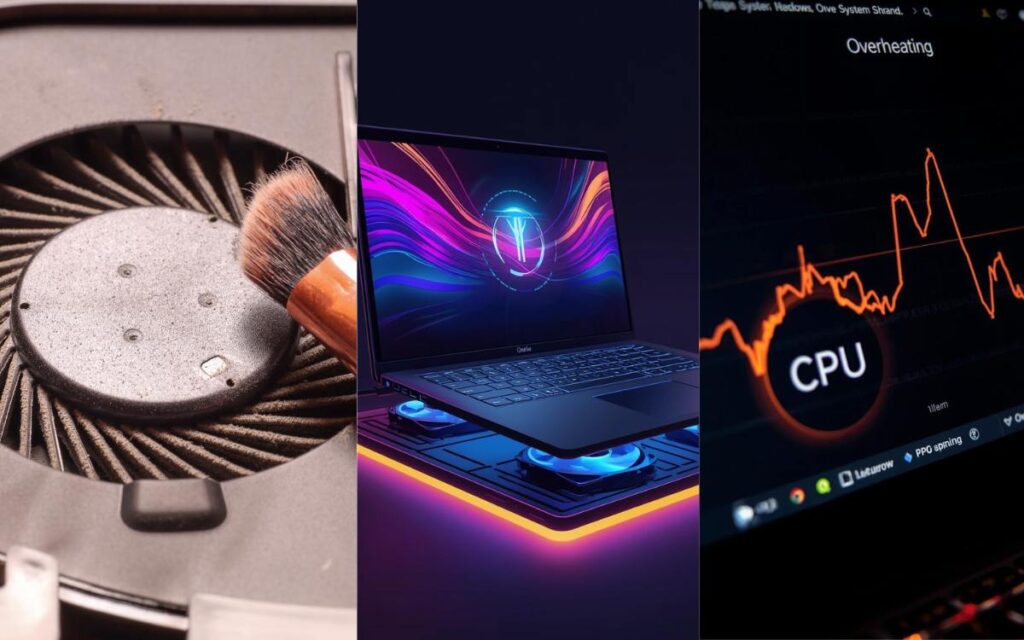
Common Causes of Laptop Heating
Below are the most common reasons why laptops heat up:
1. Dust and Dirt Inside the Laptop
Dust blocks airflow and prevents proper cooling.
2. Heavy CPU or GPU Usage
Gaming, video editing, or running multiple apps increases heat.
3. Poor Ventilation
Using a laptop on beds or cushions blocks air vents.
4. Old or Dried Thermal Paste
Thermal paste transfers heat from the processor to the heatsink.
5. Background Apps and Malware
Unwanted apps run silently and consume system resources.
6. Faulty or Weak Cooling Fan
A slow or damaged fan cannot cool the system properly.
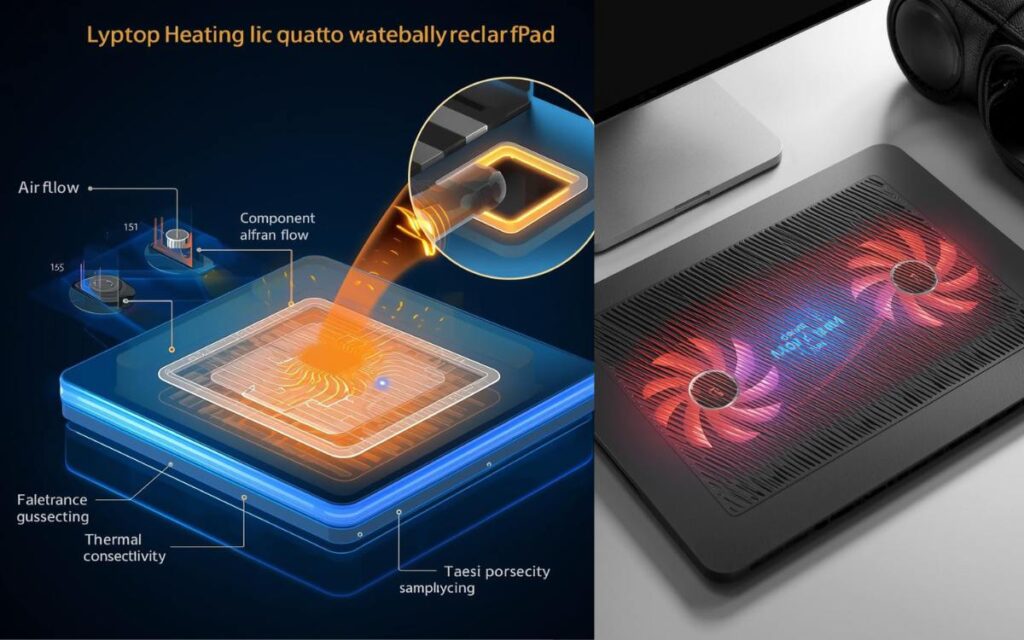
How to Check If Your Laptop Is Overheating
You may notice these signs:
- Laptop becomes very hot to touch
- Fan noise increases suddenly
- Performance drops or lag appears
- Automatic shutdown or restart
You can also check CPU temperature using system monitoring tools.
Laptop Heating Problem: Causes and Solutions
Cause vs Solution Table
| Cause | Solution |
|---|---|
| Dust buildup | Clean laptop vents and fan |
| High CPU usage | Close unnecessary apps |
| Poor airflow | Use laptop on flat surface |
| Old thermal paste | Replace thermal paste |
| Background malware | Run antivirus scan |
| Old hardware | Upgrade RAM or use SSD |
Best Solutions to laptop overheating fixes
1. Clean Your Laptop Regularly
- Clean air vents using compressed air
- Remove internal dust (by technician if needed)
✅ Improves airflow instantly
2. Improve Airflow and Ventilation
- Place laptop on a hard, flat surface
- Avoid using it on beds or pillows
💡 Use a cooling pad for better airflow
3. Close Unnecessary Background Programs
- Open Task Manager
- End high CPU usage tasks
This reduces processor load and heat.
4. Update Drivers and System
Outdated drivers can cause hardware inefficiency.
- Update graphics drivers
- Install OS updates
5. Change Power Settings
- Use Balanced or Power Saver mode
- Avoid High Performance mode unless needed
This helps control temperature.
6. Replace Thermal Paste (Advanced Fix)
If your laptop is old (3–4 years):
- Thermal paste may be dry
- Replacing it can reduce temperature significantly
Note: You can visit the laptop manufacturer’s support page. Here you will find support for all laptop brands.
⚠️ Get this done by a professional.
Laptop Heating While Charging – Why It Happens
Laptop heating during charging is normal to some extent, but excessive heat occurs due to:
- Low-quality charger
- Battery health issues
- Heavy usage while charging
Solution:
- Use original charger
- Avoid gaming while charging
- Let battery cool occasionally
Best Tips to Prevent Laptop Overheating
✔ Clean laptop every 6–8 months
- ✔ Avoid using laptop in hot environments
- ✔ Keep software updated
- ✔ Do not block air vents
- ✔ Shut down laptop when not in use
Read Also: What Is CNAP in Telecom? How Does CNAP Work?
Final Verdict
If you are facing a laptop heating problem, ignoring it can lead to serious damage. The good news is that most heating issues can be fixed with proper cleaning, better airflow, and simple system optimizations.
👉 Regular maintenance and smart usage habits can keep your laptop cool and running smoothly.
Frequently Asked Questions (FAQs)
Q. Is laptop heating normal?
Yes, mild heating is normal. Overheating is not.
Q. Can laptop heating damage hardware?
Yes. Long-term overheating can damage CPU, battery, and motherboard.
Q. Does laptop heating reduce battery life?
Yes. Heat shortens battery lifespan significantly.
Q. Should I use a cooling pad?
Yes. Cooling pads help improve airflow and reduce temperature.