Buying a new laptop or desktop can be confusing, especially if you are not familiar with technical terms like RAM, processor cores, SSD, graphics card, and battery life. Many people end up purchasing the wrong configuration and regret it later. (Laptop & Desktop Buying Guide 2026 – Best Configuration Tool)
To solve this problem, we have created a Laptop & Desktop Configuration Recommendation Tool that helps you choose the best specifications based on your usage and budget.
Before using the tool, let’s understand the basics so you can make a smarter buying decision.
Why Choosing the Right Configuration Is Important
A computer is a long-term investment. If you choose a low configuration:
- Your system may become slow
- New software may not run properly
- Multitasking becomes difficult
If you overpay for high-end specs that you don’t need:
- You waste money
- You don’t get value for your usage
That’s why understanding what configuration suits your needs is very important.
PC Configuration Recommendation Tool
Key Components You Should Know Before Buying
1. Processor (CPU)
The processor is the brain of your laptop or desktop.
- Intel Core i3 / Ryzen 3 – Basic tasks, students, office work
- Intel Core i5 / Ryzen 5 – Programming, multitasking, professionals
- Intel Core i7 / Ryzen 7 – Gaming, video editing, heavy workloads
👉 More powerful CPU = better performance.
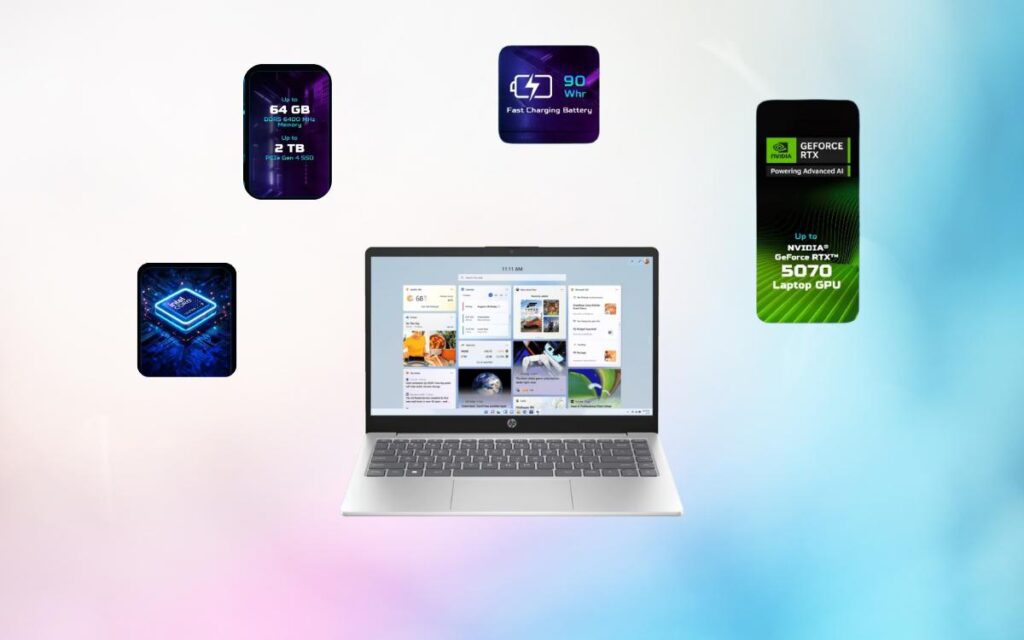
2. CPU Cores
CPU cores decide how many tasks your computer can handle at the same time.
- 4 Cores – Basic and office use
- 6 Cores – Programming and multitasking
- 8 Cores or more – Gaming, editing, professional work
3. RAM (Memory)
RAM plays a big role in speed and multitasking.
- 8GB RAM – Minimum recommended in 2025
- 16GB RAM – Ideal for programmers, editors, and gamers
- 32GB RAM – Advanced professional usage
❌ Avoid buying laptops with only 4GB RAM.
4. Storage: SSD vs HDD
Always prefer SSD over HDD.
- SSD (Solid State Drive) – Fast boot, quick software loading
- HDD (Hard Disk Drive) – Slower, outdated technology
✅ Minimum recommended storage: 512GB SSD
5. Graphics Card (GPU)
Graphics card is important for gaming and creative work.
- Integrated Graphics – Students, office work, programming
- Dedicated GPU (4GB+) – Gaming, video editing, graphic design
6. Battery Life (For Laptops)
If you work or study on the go, battery life matters. For better battery performance, follow these steps.
- 6–8 hours – Normal usage
- 8–10 hours – Students and professionals
- Gaming laptops usually have lower battery life
Laptop vs Desktop: Which One Should You Choose?
Choose a Laptop If:
- You need portability
- You travel frequently
- You attend online classes or meetings
Choose a Desktop If:
- You want better performance at a lower price
- You don’t need portability
- You plan to upgrade hardware later
Use Our Laptop & Desktop Configuration Recommendation Tool
Instead of guessing specifications, you can use our free online tool.
What the Tool Does:
- Asks your usage type (student, office, gaming, editing, programming)
- Asks your budget range
- Suggests the best configuration instantly
You Will Get:
- Recommended processor
- CPU cores
- RAM size
- SSD storage
- Graphics card requirement
- Battery backup (for laptops)
This tool is perfect for beginners and non-technical users.
Common Mistakes to Avoid While Buying a PC
- Buying 4GB RAM in 2025
- Choosing HDD instead of SSD
- Paying extra for a GPU when you don’t need it
- Ignoring future software requirements
Final Verdict
Choosing the right laptop or desktop configuration does not have to be difficult.
If you understand your usage and budget, you can easily avoid mistakes and save money.
For quick and accurate recommendations, use our Laptop & Desktop Configuration Recommendation Tool and make a smart buying decision.
Frequently Asked Questions (FAQs)
Q1. Is 8GB RAM enough in 2025?
Yes, 8GB RAM is the minimum recommended, but 16GB is better for future use.
Q2. Should I buy SSD or HDD?
Always choose SSD. It is much faster and improves overall performance.
Q3. Do I need a graphics card for office work?
No, integrated graphics are enough for office and daily tasks.
Q4. Which is better: Laptop or Desktop?
It depends on portability and performance needs. Both have their advantages.