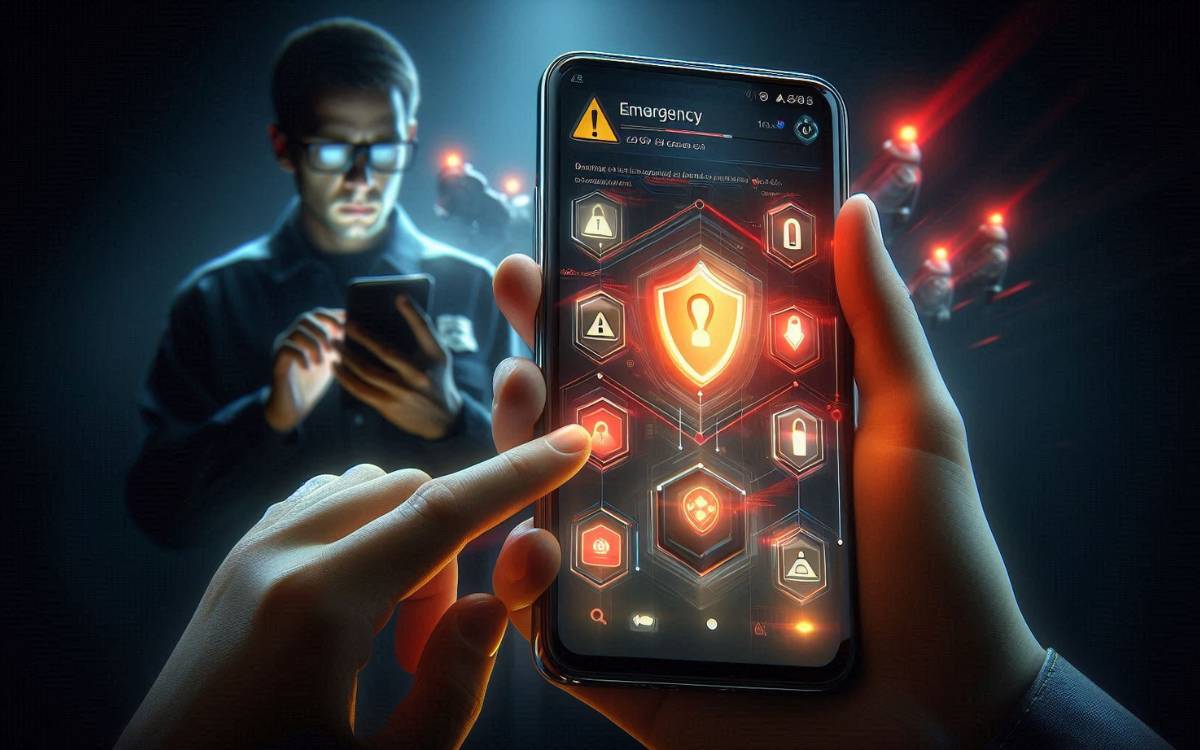
Today, smartphones have become an integral part of our daily lives. From banking apps to personal photos, everything is stored on our phones. But the big question is— How to Secure Your Android Phone From Hackers?
Some time ago, I started seeing a strange pop-up on my mobile phone.
I sensed something was wrong, so I carefully considered how to protect my phone. I then did a lot of research on how to protect my phones from hackers for free, and what to do if the phone has already been hacked.
Read Also : WhatsApp Fake Message Scam: How a Simple APK Nearly Cost Me My Bank Account
In this guide, I’ll explain everything in simple language.
How Your Phone Can Get Hacked Without You Knowing
Many people think that hacking only happens to celebrities or large corporations—this is a complete misconception. In reality, hackers most often target ordinary people, especially those who don’t know how to protect their phones from hackers.
How Your Phone Can Get Hacked Without You Knowing (Real-Life Example)
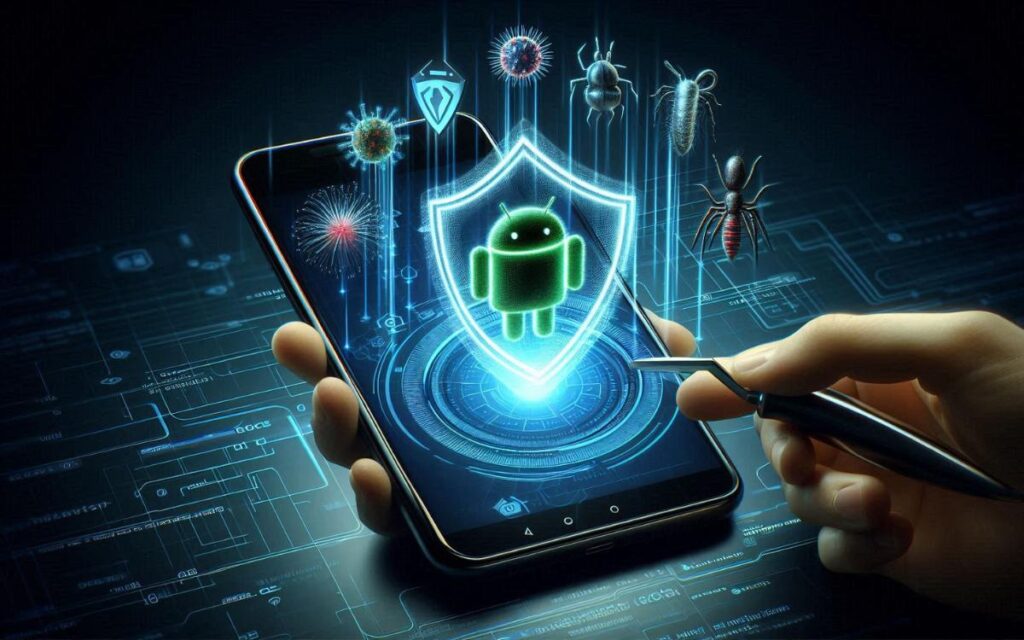
Just a few days ago, a relative of mine encountered a serious problem with their Android phone. A fake banking app suddenly popped up on the screen, displaying an urgent message claiming there was a security problem with their account. Because the pop-up kept reappearing, they eventually clicked on it.
Within minutes, suspicious activity started, and soon it became clear that the phone was compromised. This is a perfect example of how your phone can get hacked without you knowing. Such attacks usually happen through malicious overlays and phishing techniques, which are commonly discussed in Android security awareness guides by Google Android Security.
According to official guidance from Google Play Protect, many cases where users ask “when my phone is hacked what should I do” are caused by installing unsafe apps or interacting with deceptive pop-ups that appear to be legitimate.
This real-life incident proves one thing clearly: if you don’t actively follow basic Android security practices, anyone can become a victim. Learning how can I protect my phone from getting hacked is no longer optional — it is essential for every smartphone user.
For more official security recommendations, you can check Google’s Android safety guidelines on android.com.
Here are the most common ways your Android phone can get hacked:
1. Malicious Apps & APK Files
Downloading apps from unknown websites instead of the Google Play Store is the biggest risk.
2. Fake Wi-Fi Networks
Public Wi-Fi at airports, cafes, or railway stations can be unsafe.
3. Phishing Links (SMS, WhatsApp, Email)
One wrong click on a fake link can silently install spyware.
4. Outdated Android Version
Old software versions contain security vulnerabilities.
5. Excessive App Permissions
Some apps secretly access camera, mic, or storage.
Fact: According to Google’s Android Security Blog, most malware infections happen due to sideloaded apps.
How Can I Protect My Phone From Getting Hacked (Free Methods)
The good news is — you don’t need to spend money to secure your phone.

1. Install Apps Only From Google Play Store
Avoid:
- Mod APKs
- Cracked apps
- Unknown download links
Google Play Protect scans apps automatically.
2. Keep Android & Apps Updated
Updates are not just features — they fix security holes.
✔ Settings → Software Update
✔ Enable auto-update for apps
3. Use Strong Screen Lock
Use:
- 6-digit PIN
- Pattern + fingerprint
- Avoid simple locks like 1234
4. Check App Permissions Regularly
Go to:
Settings → Privacy → Permission Manager
Remove unnecessary permissions from apps.
5. Turn On “Find My Device”
This helps you lock or erase your phone remotely if stolen.
👉 Official guide: Google Find My Device (google.com)
How to Protect My Phone From Hackers for Free (Advanced Tips)
1. Enable Google Play Protect
✔ Settings → Security → Play Protect
✔ Turn ON scanning
2. Avoid Public Charging Stations
Use your own charger. Public USB ports can be risky.
3. Use Secure DNS
Private DNS helps block malicious domains.
Example:
dns.google
4. Don’t Root Your Phone
Rooting removes built-in Android security layers.
Signs That Your Phone Is Hacked
If you notice these signs, be alert
- Battery draining fast
- Phone overheating
- Unknown apps installed
- High data usage
- Random pop-ups
- Phone working slow

When My Phone Is Hacked, What Should I Do?
If you suspect hacking, don’t panic. Follow these steps:
Step 1: Turn On Airplane Mode
This disconnects hackers instantly.
Step 2: Uninstall Suspicious Apps
Remove apps you don’t recognize.
Step 3: Run Play Protect Scan
Or use a trusted antivirus app.
Step 4: Change All Passwords
Change:
- Google account
- Banking apps
- Social media
Step 5: Update Your Phone
Install latest security patch.
Can I Remove a Hacker From My Phone?
Yes, in most cases.
Best Solution: Factory Reset
If the problem continues:
✔ Backup important data
✔ Factory reset your phone
✔ Install apps carefully after reset
Factory reset removes most malware and spyware.
Best Free Security Practices (Quick Table)
| Security Action | Protection Level |
|---|---|
| Play Protect ON | High |
| App Permission Control | High |
| Regular Updates | Very High |
| Avoid APK Files | Critical |
| Screen Lock | Essential |
Is Android Phone Security Really Important?
Absolutely. Android security protects:
- Your bank money
- Personal photos & videos
- Private chats
- Identity theft
Even Google officially recommends strong mobile security practices
(Source: Android Security Center – android.com)
FAQs
How to secure your Android phone from hackers?
You can secure your Android phone from hackers by installing apps only from the Google Play Store, keeping your Android system updated, enabling Google Play Protect, using a strong screen lock, and regularly checking app permissions. These steps significantly reduce the risk of hacking.How can I protect my phone from hackers for free?
You can protect your phone from hackers for free by avoiding unknown APK files, not clicking on suspicious links, keeping your phone updated, enabling Play Protect, and avoiding unsafe public Wi-Fi networks. Android already provides strong built-in security features at no cost.
How can I protect my phone from getting hacked?
To protect my phone from getting hacked, always download apps from trusted sources, do not allow unnecessary permissions, keep your Android version updated, and stay alert from fake pop-ups and phishing messages that look official.
When my phone is hacked, what should I do?
If your phone is hacked, you should immediately enable airplane mode, uninstall any suspicious apps, run a security scan using Google Play Protect, change all your important passwords, and update your phone. If the problem persists, performing a factory reset is the safest option.
Can I remove a hacker from my phone?
Yes, you can remove the hacker from your phone by deleting all apps, scanning your device, and resetting your phone if necessary. After that, only install trusted apps and enable all security settings.
How your phone can get hacked without you knowing?
In some such fraudulent cases, hackers send fake SMS messages, APK files, or banking pop-ups to your Android phone. This can lead to your phone being hacked without your knowledge. Avoid unknown links and unsecured Wi-Fi networks.
Read Also : How to Find Wi-Fi Password in Windows 11
Final Thoughts
Learning how to secure your Android phone from hackers is no longer optional — it’s necessary. The best part is that you can protect your phone from hackers for free just by following basic security habits.
Whenever I notice anything unusual on my phone that might indicate it’s been hacked, I personally follow these steps every day, and it has saved me from many suspicious apps and fake links.
How can I protect my phone from being hacked? This question is on everyone’s mind. If you are concerned about your privacy, start implementing these tips today.