Now your phon is Android Have Integrated AI. Artificial Intelligence (AI) is no longer a futuristic concept. It is already a core part of our daily digital life. If you are using an Android smartphone, you might be wondering:
👉 Does Android have integrated AI?
👉 Is AI already built into the Android operating system?
Short answer: Yes, Android has integrated AI.
Long answer: Android uses AI at the system level to improve performance, security, battery life, camera quality, and user experience.
Let’s understand this in a simple and practical way.
Read this too: Can I Use AI in an Android Phone?
What Does “Integrated AI” Mean in Android?
Integrated AI means Artificial Intelligence that is built directly into the Android operating system, not something you have to install separately.
This AI works:
- In the background
- Automatically
- Without user commands
- As part of the Android system
You may not even notice it, but Android uses AI every day to make your phone smarter and faster.
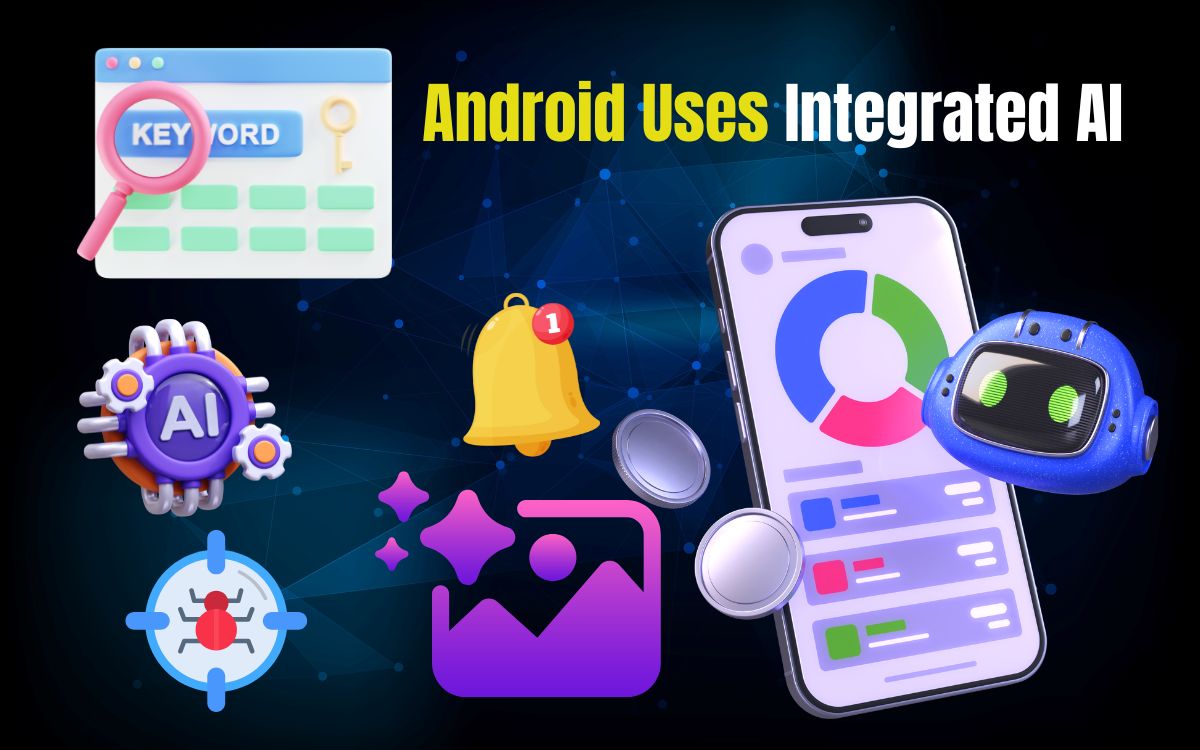
How Android Uses Integrated AI (Real Examples)
Android uses AI across multiple system features. Below are the most important ones.
1. Google Assistant (Built-in AI)
Google Assistant is one of the most visible examples of integrated AI in Android.
You can:
- Ask questions
- Set alarms
- Send messages
- Translate languages
- Control smart devices
All of this works because Android understands voice, context, and intent using AI.
2. Smart Battery & Performance Optimization
Android uses AI to learn:
- Which apps you use frequently
- Which apps run in the background
- When to limit background activity
This helps:
- Save battery
- Improve speed
- Reduce overheating
Over time, your Android phone becomes more efficient, not slower.
3. AI-Powered Camera System
Almost every Android phone today uses AI in its camera system.
AI helps with:
- Scene detection
- Face recognition
- Night mode
- Portrait blur
- Auto HDR
- Image stabilization
Your phone automatically adjusts camera settings based on what it sees — this is integrated AI at work.
4. AI in Android Keyboard (Gboard)
Android’s default keyboard, Gboard, uses AI for:
- Word prediction
- Auto-correction
- Voice typing
- Smart replies
- Emoji suggestions
The more you type, the better it understands your style.
5. Google Photos AI (Pre-installed on Most Android Phones)
Google Photos uses powerful integrated AI to:
- Organize photos automatically
- Recognize faces and objects
- Create memories and albums
- Enhance old or blurred images
You can search for things like:
👉 “beach,” “dog,” or “birthday”
and Google Photos finds them instantly.
6. Smart Notifications & Suggested Replies
Android AI analyzes:
- Notification importance
- User behavior
- App usage patterns
It then:
- Prioritizes important notifications
- Suggests quick replies
- Reduces notification clutter
This improves user focus and engagement.
7. Android Security & Malware Protection
Android uses AI through Google Play Protect.
AI helps to:
- Detect harmful apps
- Monitor suspicious behavior
- Protect user data
- Scan apps in real time
This security system works silently in the background.
Which Android Phones Have Better Integrated AI?
All Android phones have integrated AI, but some offer more advanced AI capabilities.
Phones with stronger AI performance:
- Google Pixel phones (Tensor AI chip)
- Samsung Galaxy phones with Galaxy AI
- Snapdragon-powered devices with AI engines
- MediaTek Dimensity AI chipsets
Even budget Android phones support basic integrated AI features.
Integrated AI vs AI Apps – What’s the Difference?
| Integrated AI | AI Apps |
|---|---|
| Built into Android OS | Installed separately |
| Works automatically | Works on user command |
| Improves system performance | Used for tasks like chat, editing |
| Example: Google Assistant | ChatGPT, Gemini |
Both work together to enhance the Android experience.
Benefits of Integrated AI in Android
Integrated AI provides many advantages:
✔ Better battery life
✔ Faster performance
✔ Smarter camera results
✔ Improved security
✔ Personalized experience
✔ Less manual effort
AI makes Android more intelligent without requiring extra steps from users.
Limitations of Integrated AI
Despite the benefits, there are some limitations:
❌ Advanced AI features need newer hardware
❌ Some AI functions require internet access
❌ Limited control over system AI
❌ Privacy concerns if permissions are misused
However, for most users, the benefits far outweigh the drawbacks.
Final Thought
✅ Yes, Android does have integrated AI.
It works behind the scenes to make your smartphone smarter, faster, safer, and more user-friendly.
From battery optimization and camera enhancement to security and voice assistance, integrated AI is a key reason why Android phones feel intelligent today.
As Android continues to evolve, integrated AI will become even more powerful and useful for everyday users.
Read this too: Which Is the Best AI Tool for Business Research?
Frequently Asked Questions (FAQs)
Q. Does Android OS have built-in AI?
Yes, Android OS includes system-level integrated AI features.
Q. Is Google Assistant part of Android’s integrated AI?
Yes, Google Assistant is a core AI component of Android.
Q. Does integrated AI work offline?
Some features work offline, but advanced AI functions need an internet connection.
Q. Is Android integrated AI safe to use?
Yes, as long as apps are downloaded from trusted sources and permissions are managed properly.
Q.Can integrated AI be turned off?
Some AI features can be limited, but integrated AI cannot be completely disabled.