As AI continues to expand its reach in today’s digital world, it’s important to understand how these tools actually work. In this Which AI Gives the Best Images (2026 Guide), I’m sharing my personal experience after testing multiple AI image generator tools over the last two years to find out which AI gives the best images in real-world use.
AI image generation has completely transformed the way bloggers and website owners create visuals. Earlier, I struggled with stock images — they were either expensive, copyright-restricted, or overused across multiple websites. That’s when I started experimenting with free AI image generator websites, and honestly, it saved me both time and money.
If you’re also searching for which website is best for AI image generator free, this detailed guide will help you choose the right AI tool based on real-world usage, image quality, and practical results — not just hype.
Read More: AI Websites That Can Create a Digital Clone of Yourself
Why AI Image Generators Are So Popular Today
AI image generators are becoming extremely popular because they allow anyone — even without design or Photoshop skills — to create professional-quality visuals. Today, bloggers, YouTubers, marketers, and business owners are using AI tools to generate:
- Blog featured images
- Social media creatives
- YouTube thumbnails
- Website banners
- Business branding visuals
If you are also trying to earn money through blogging and struggling with copyright-free images or preparing your website for Google AdSense approval, then AI tools can be a game-changer. Many beginners often ask which AI is best for image generation for free, and the good news is that several AI platforms now offer high-quality images at zero cost.
In this guide, I’m sharing tools that I’ve personally tested. These AI image generators help create free, original, and copyright-safe images for content creators like us.yself. These help in creating free and absolutely original images for your content.
1. Bing Image Creator (Powered by DALL·E)
Best for: Bloggers, beginners, realistic images
Bing Image Creator is often the first answer when people ask which AI gives the best images — and for good reason. Powered by OpenAI’s DALL·E technology, this tool is completely free to use with a Microsoft account.
Key Features:
- High-quality realistic images
- Simple and beginner-friendly prompt system
- Free daily image credits
- No watermark on images
Personal Experience:
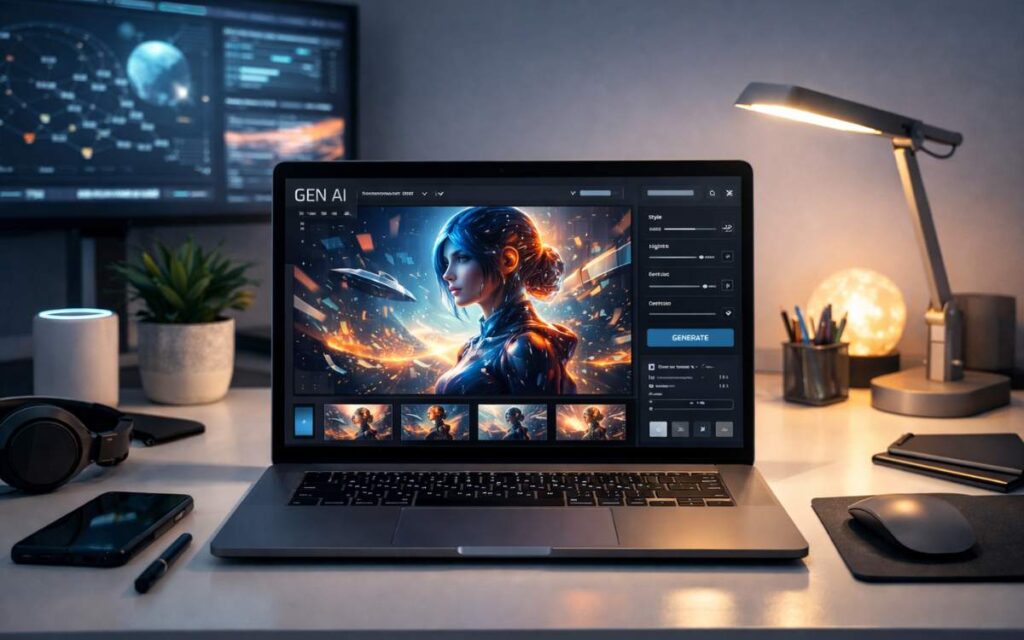
I’ve personally used Bing Image Creator for blog featured images, and the quality honestly surprised me. For technology and informational blogs, the images look clean, sharp, and professional — sometimes even better than paid stock images.
Prompt:
A modern workspace with a laptop displaying AI-generated artwork, futuristic interface elements, clean desk setup, soft lighting, realistic style, high resolution
Best Tool: Bing Image Creator
Use Case: Blog featured image, homepage banner
2. Leonardo AI
Best for: Creators, game assets, artistic images
Leonardo AI is quickly gaining popularity among designers and content creators. If you want creative freedom and detailed control, this tool is an excellent option.
Many users who wonder which AI is best for image generation for free end up choosing Leonardo Ai because of its artistic flexibility.
Key Features:
- Advanced prompt controls
- Free daily tokens
- Custom image styles
- High-resolution outputs
Prompt:
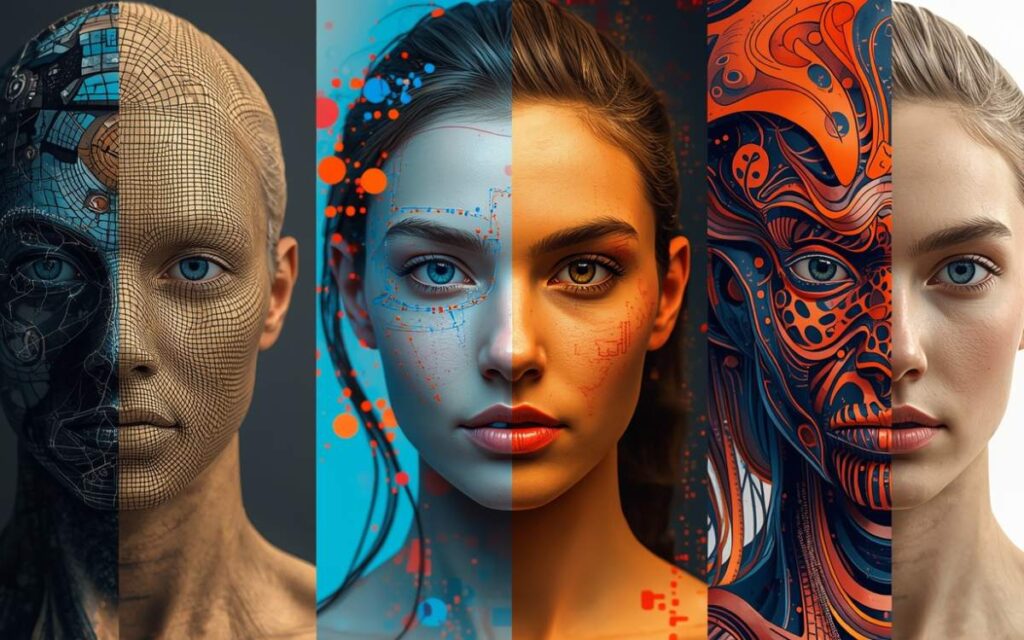
Split screen illustration showing multiple AI image generators creating different styles of artwork, digital art, realistic portrait, abstract design, professional comparison layout
Best Tool: Leonardo AI
Use Case: Comparison section image
3. Canva AI Image Generator
Best for: Social media & business designs
Canva continues to dominate the design world, and its AI image generator is surprisingly powerful — even in the free version. You simply enter a short prompt, and Canva generates images that can be edited instantly.
Key Features:
- AI image + design tools in one place
- Free version available
- Easy drag-and-drop editing
- Perfect for Instagram & blogs
Personal Tip:
For AdSense-ready blogs, Canva helps you design custom featured images that make your site look professional. And I’ve had years of experience with this.
I’ve always designed mostly in Canva. Once you try it, you’ll be left speechless: wow!
Prompt:
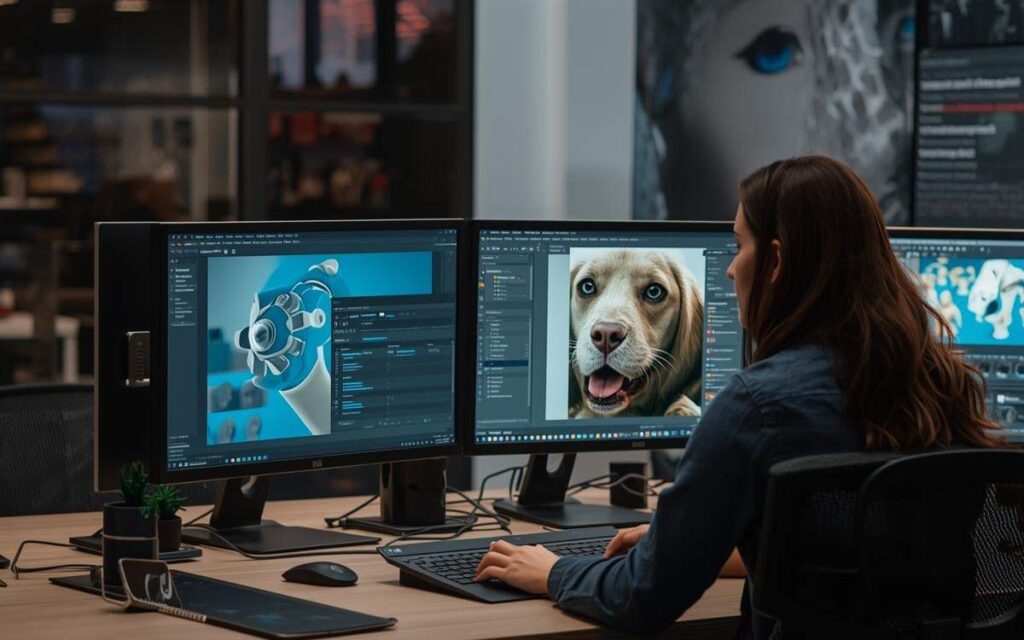
A startup team using AI tools for design and marketing, computer screens showing AI-generated images, professional office environment, realistic photography style
Best Tool: Canva AI / Bing Image Creator
Use Case: Business-focused content image
4. Playground AI
Best for: Creative experimentation
Playground AI is perfect if you want unique visuals that don’t look like typical stock images. It offers a free plan and is based on Stable Diffusion technology.
Key Features:
- Stable Diffusion based
- Multiple art styles
- Free image generation
- Image editing support
This tool is ideal if you want unique visuals that don’t look “stock-like”.
External reference: Stable Diffusion community
Prompt:
Gallery of AI-generated artworks including landscapes, portraits, futuristic designs, vibrant colors, clean background, ultra high quality
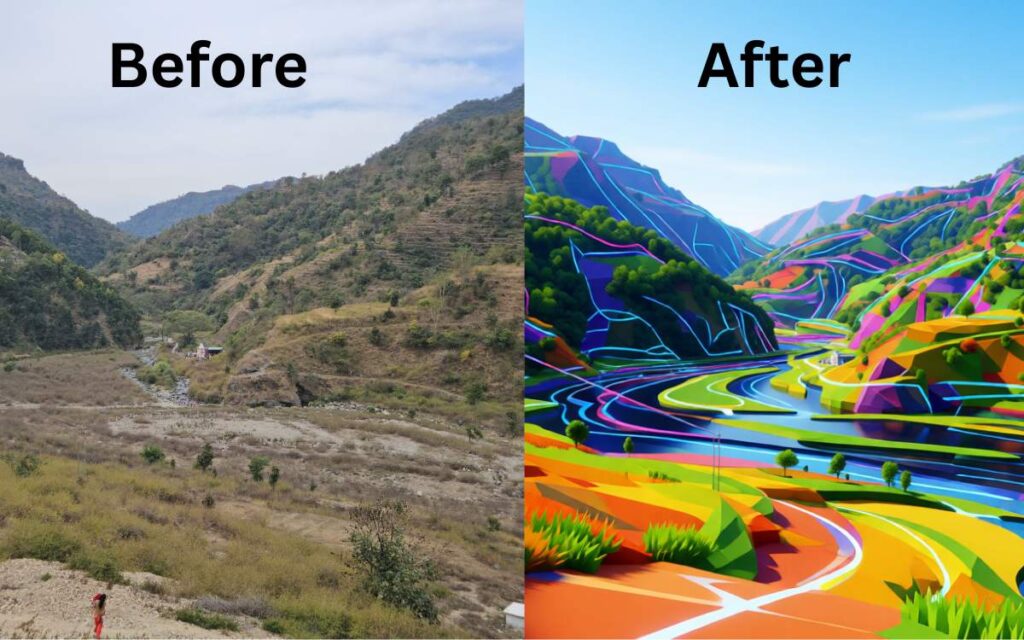
Best Tool: Playground AI
Use Case: “AI art examples” section
Read More: Top 5 AI Stocks in India with Low Price
5. Craiyon (Formerly DALL·E Mini)
Best for: Quick ideas & casual users
Craiyon is a basic AI image generator but still useful for brainstorming and concept ideas. It’s completely free and doesn’t require login.
Key Features:
- No login required
- Completely free
- Fast image generation
Note:
Image quality is basic, but for brainstorming ideas, it works well.
External reference: Craiyon AI tool
Prompt:
Simple AI image generator interface on a laptop screen, beginner-friendly design, minimal UI, modern illustration style
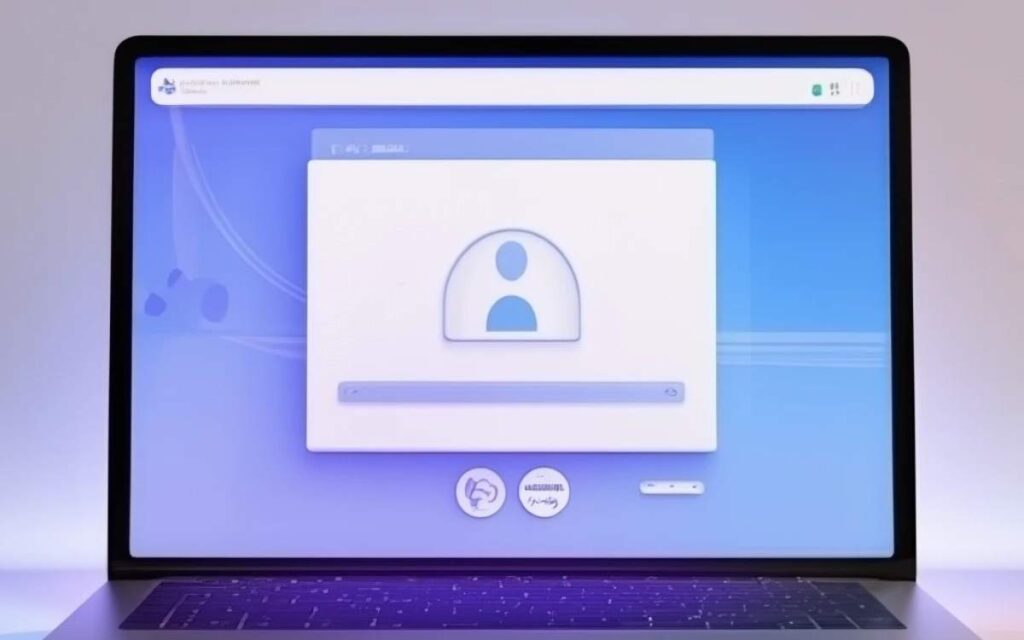
Best Tool: Craiyon / Canva AI
Use Case: Beginner guide section
Comparison Table: Top 5 AI Image Generator Free
| Tool Name | Free Plan | Image Quality | Best For |
|---|---|---|---|
| Bing Image Creator | Yes | ⭐⭐⭐⭐⭐ | Bloggers |
| Leonardo AI | Yes | ⭐⭐⭐⭐½ | Creators |
| Canva AI | Yes | ⭐⭐⭐⭐ | Business |
| Playground AI | Yes | ⭐⭐⭐⭐ | Designers |
| Craiyon | Yes | ⭐⭐⭐ | Beginners |
Which AI Gives the Best Images?
From my personal experience:
- Realistic images: Bing Image Creator
- Creative artwork: Leonardo AI
- Business visuals: Canva AI
So, the “best” AI depends on your purpose, not just quality.
How AI Images Help in Google AdSense Approval
Original AI-generated images:
- Improve content uniqueness
- Reduce copyright risk
- Increase page engagement
- Make blogs look professional
Google does not reject AI images — it only checks content quality and originality.
How to Convert Photo to AI Image Free (Step-by-Step Guide)
Converting a normal photo into an AI-generated image is easy and does not require any design skills. You can do it using free AI tools available online.
Step 1: Choose a Free AI Image Tool
First, select an AI tool that supports image-to-image or photo transformation. Some popular free options are:
- Leonardo AI
- Playground AI
- Canva AI
- Bing Image Creator (limited image upload features)
Step 2: Create a Free Account (If Required)
Most AI tools ask you to sign up using:
- Google account
- Email ID
- Microsoft account
Many platforms provide free daily credits, which are enough for beginners.
Step 3: Upload Your Photo
Once logged in:
- Click on Upload Image or Image to Image option
- Select the photo from your device that you want to convert into an AI image
Make sure the photo is clear and well-lit for better results.
Step 4: Write a Simple AI Prompt
Now, describe how you want your photo to look after AI conversion.
Example prompts:
- “Convert this photo into a realistic AI portrait with soft lighting”
- “Turn this image into digital art style with high details”
- “Make this photo look like a professional AI-generated illustration”
The better your prompt, the better the AI output.
Step 5: Adjust Settings
Some tools allow you to:
- Choose art style (realistic, anime, cartoon, digital art)
- Control image quality and sharpness
- Set image strength (how much AI changes the original photo)
You can skip this step if you are a beginner.
Step 6: Generate the AI Image
Click on Generate or Create Image and wait a few seconds.
The AI will process your photo and convert it into an AI-generated image.
Step 7: Download the Image for Free
After generation:
- Preview the AI image
- Download it in high quality
- Most free tools allow watermark-free downloads
Step 8: Use the Image Safely
You can use the AI-generated image for:
- Blog posts
- Website banners
- Social media posts
- YouTube thumbnails
These images are usually copyright-safe, but always check the tool’s usage policy.
Pro Tip for Bloggers
- For Google AdSense approval, always:
- Generate unique images for each article
- Use original prompts
- Avoid celebrity or copyrighted characters
What Is the Future of AI in 2026?
By 2026, AI image generation will become more realistic, faster, and deeply integrated with blogging, marketing, and business tools. AI will not replace creativity, but it will enhance productivity and reduce costs for creators worldwide.
Read More: Which Is the Best AI Tool for Business Research?
Final Thoughts
AI image generation is no longer just a trend; it has become an essential tool for bloggers, creators, and business owners. If you’re still wondering which AI gives the best images, the answer truly depends on your purpose. For realistic and professional visuals, Bing Image Creator works exceptionally well, while tools like Leonardo AI and Canva AI offer great creative and business-focused options.
For beginners, choosing which AI is best for image generation for free can save both time and money. Free AI image generators now allow anyone to create high-quality, original images without worrying about copyright issues or expensive stock photos.
Looking ahead, the future of AI in 2026 is very promising. AI tools will become more accurate, faster, and deeply integrated into blogging, marketing, and website creation. Features like how to convert photo to AI image free will become more advanced and beginner-friendly, making content creation easier than ever.
From my personal blogging journey, using AI image generators helped me focus more on content quality instead of design problems. My only suggestion is to use these tools responsibly and creatively to get the best long-term results.
My own suggestion: Many people misuse it, so I request them that if you’re reading this article, please use it for that purpose only.
FAQs (SEO + AdSense Friendly)
Q1. Which AI is best for image generation for free?
Bing Image Creator and Leonardo AI are currently the best free AI image generators.
Q2. Which AI gives the best images?
For realistic images, Bing Image Creator performs best. For creative designs, Leonardo AI is a strong option.
Q3. Can I use AI-generated images on my blog?
Yes, AI-generated images are safe for blogging and AdSense as long as content quality is high.
Q4. Are free AI image generators good for business?
Yes, Canva AI and Leonardo AI are excellent for small businesses and startups.

- AI Blog SEO Assistant – The Ultimate Blog SEO Tool for Meta, Tags & Keywords
 When I first started blogging, I genuinely believed that writing good content was enough. I used to spend hours researching topics, crafting articles, and publishing them with full confidence… but the results were disappointing. No traffic. No ranking. No growth. That’s when I realized something important — content alone is not enough, SEO is what …
 - Word Counter Tool – Count Words, Characters & Reading TimeWord Counter Tool Word Counter Tool Copy Clear Words 0 Characters 0 Characters (No Spaces) 0 Sentences 0 Paragraphs 0 Reading Time 0 sec Writing content without knowing the exact number of words or characters can be difficult. Whether you are a blogger, student, content writer, or social media creator, knowing the length of your …
- What is Project Management? 5 Best Project Management Tools You Can TryAre you looking for a simple way to manage your projects, assign tasks, and save time? You’re not alone. Whether you are running a business, working in a company, or managing a small team, handling multiple tasks at once can feel overwhelming. In this easy-to-understand guide, I will explain what project management really means, the …
- 10 Must-Have Google Chrome Extensions for Maximum ProductivityConstantly switching between tabs, missing important emails, or struggling to stay focused while working or studying? You’re not alone. After spending years working with digital tools and productivity systems, I’ve tested dozens of browser extensions that genuinely save time, reduce distractions, and simplify daily workflows. In this guide, I’ll walk you through the best Chrome …
- PS5 Digital Edition Price in India (2026) – Storage, Games Capacity & PS5 Pro PriceAgar aap India me PS5 Digital Edition lene ka plan bana rahe ho, to sabse pehla question yehi aata hai – PS5 Digital Edition price in India actually kitna hai? Online platforms par alag-alag prices, kabhi out of stock, kabhi discount offers dekh kar kaafi log confuse ho jaate hain. Maine khud ye confusion notice …